
⚡️ Scheduling Meetings 101
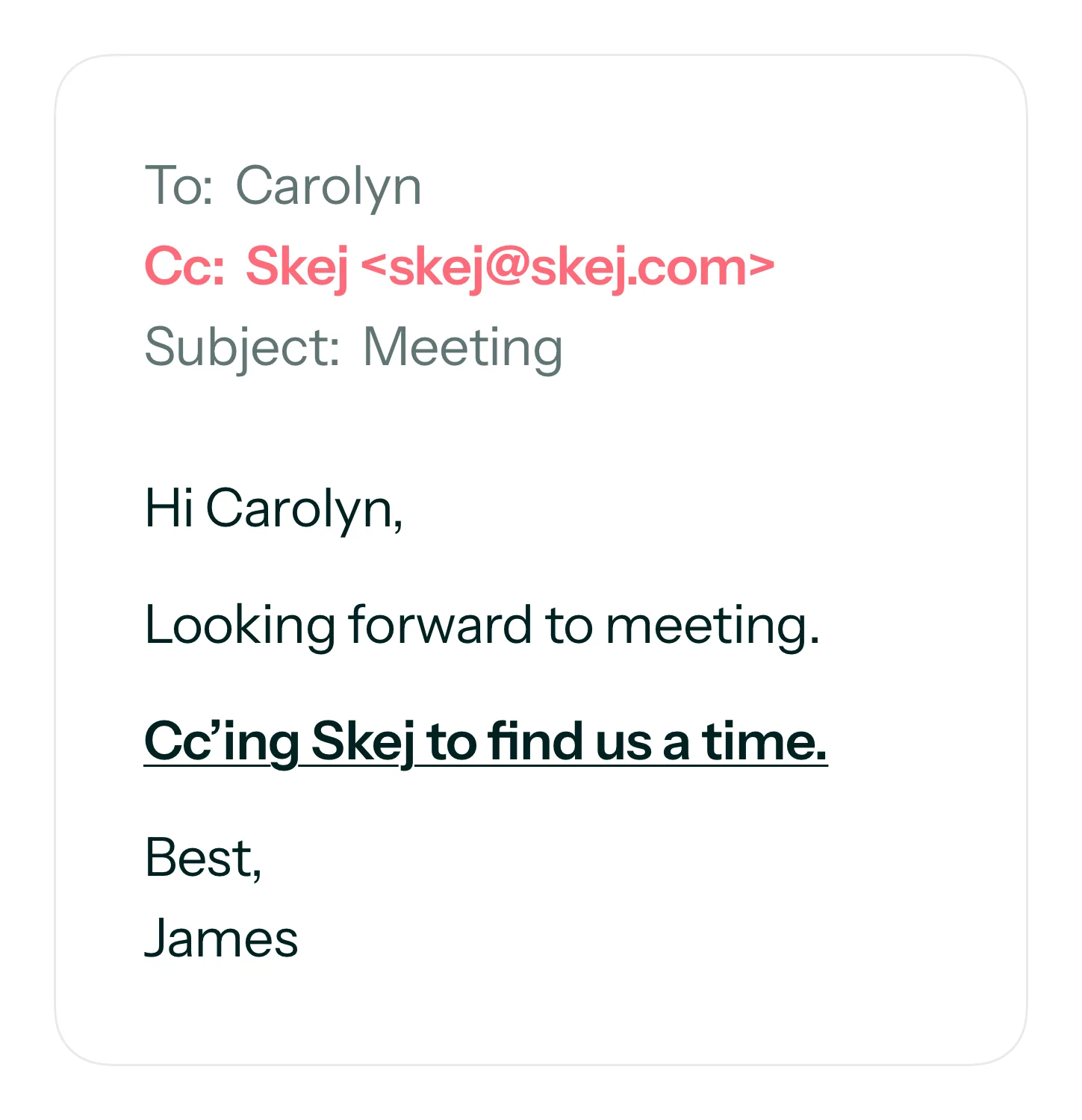
Skej functions as an automated scheduling assistant. To use it, add Skej to any email thread containing your scheduling request.
➕ Cc'ing Skej
The default Skej email address is skej@skej.com. Alternative assistants like Lexy have different addresses (lexy@skej.com), as do custom assistants set up on custom email addresses.
To activate your Skej assistant, add it to the thread and send your scheduling request. The assistant reads messages and replies with an appropriate response.
How Scheduling With Skej Works
A typical scheduling conversation follows this pattern:
- Loop the assistant in when booking a meeting. Write in the email body and include all meeting attendees on the thread (new or existing thread).
- Example: “Skej - Can you help us book a meeting for next week?”
- Your assistant replies with suggested times based on calendar availability, preferences, and specific details provided.
- Example: “Here are some times for next week: 30 min meeting (times in EST) Mon, Sept 8: 5pm, 7pm / Tue, Sept 9: 6pm, 7pm”
- Attendees confirm a time, request alternatives, or propose new times. The assistant manages back-and-forth until confirmed, then sends calendar invites.
- For rescheduling, cancellation, or modifications, attendees request changes and the assistant handles them.
🗣️ How to Talk to Your Assistant
You can communicate using normal conversational language. Skej supports over 100 languages—not just English. Address your assistant directly with requests to signal it should respond and alert other thread participants.
Skej uses your default availability and preferences from your Preferences settings unless instructed otherwise.
Include these details for optimal results:
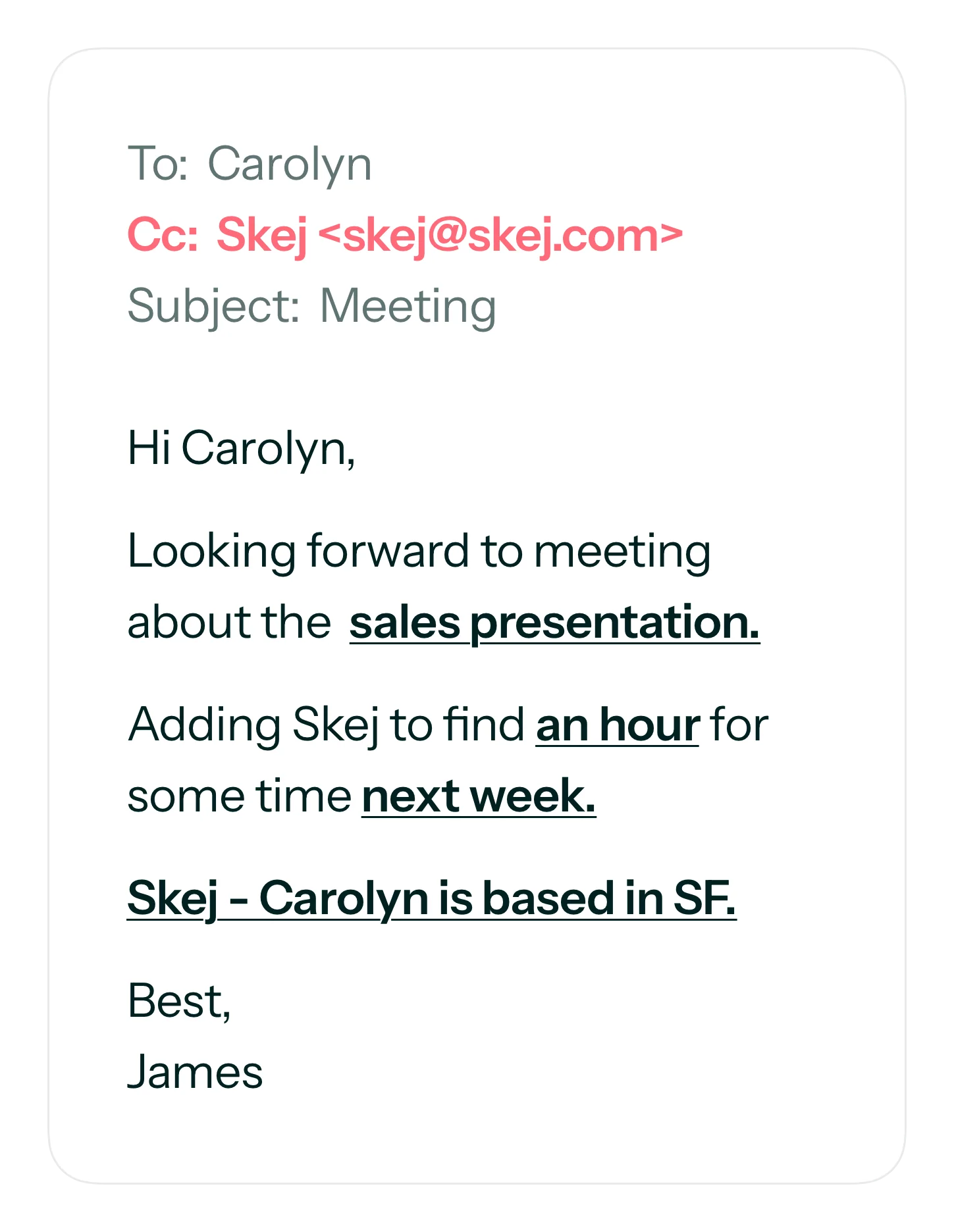
- Meeting date ranges - such as “next week” or “tomorrow morning”
- Duration - Skej uses your default meeting duration if unspecified
- Virtual or in-person - Mentioning location allows Skej to add it or determine meeting length using keywords like “lunch” or “coffee”
⚠️ Time Zones
If meeting participants are in different time zones, inform your assistant. Otherwise, proposed times may work for you but inconvenience others.
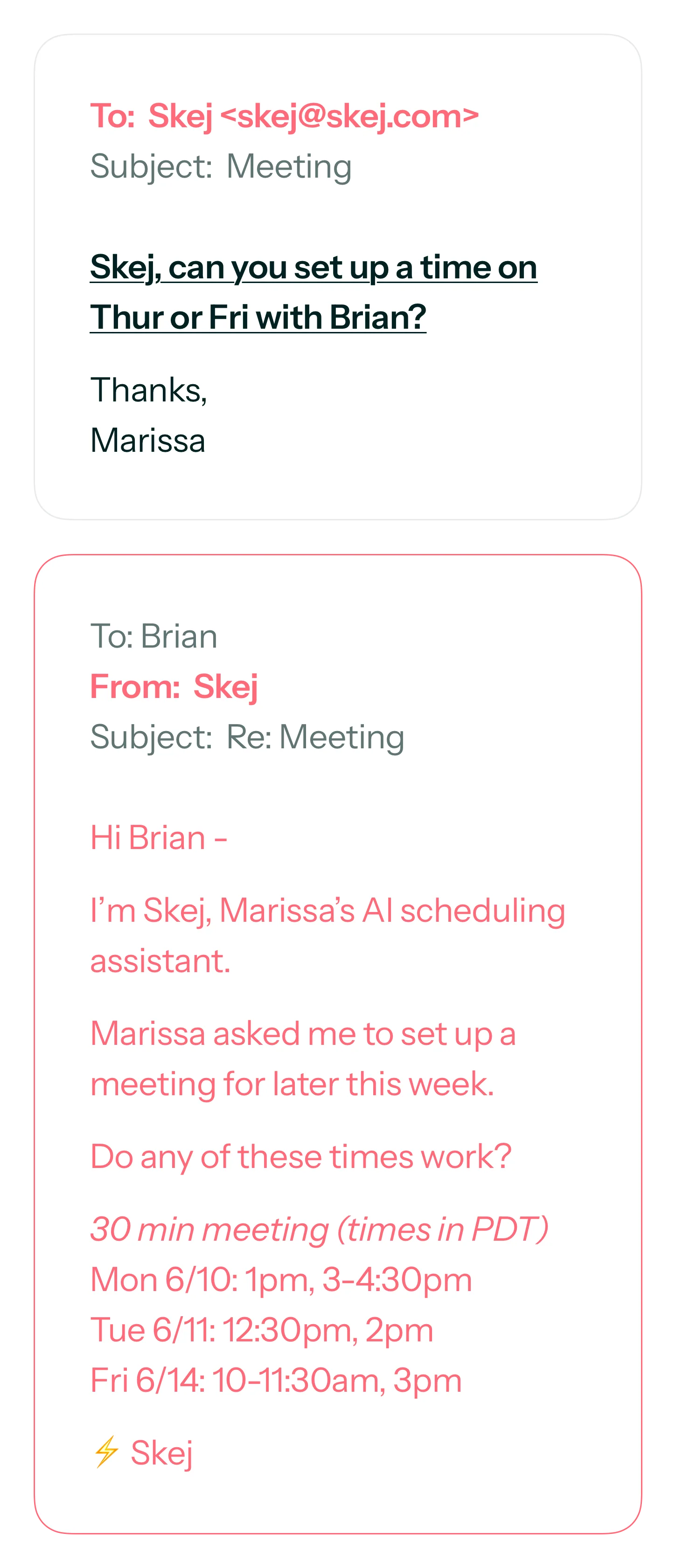
💬 Scheduling from a DM
You can initiate meetings or tasks via 1:1 email to Skej. If you request booking time with someone through direct message, Skej emails that person on your behalf to coordinate.
🗓️ Rescheduling or Cancelling?
Request cancellation or rescheduling from your assistant, either in the attendee thread or via direct message. The assistant manages changes and notifies everyone.
✨ Schedule a Meeting Now
Email skej@skej.com with a coworker or friend to schedule your first meeting.