
It's easy to get your team set up on a single team account. Easily add and remove members, and manage billing all from one place.
Inviting your team
If you want to invite your team to your Skej team, first go to the Team section of the dashboard.
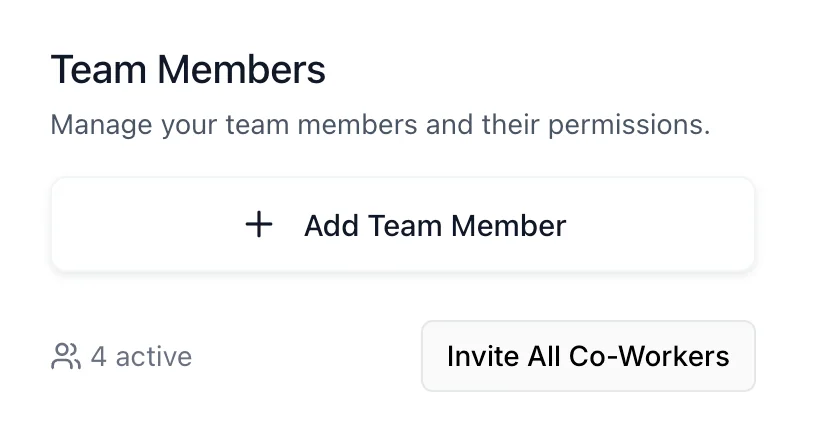
Click + Add Team Member and enter the emails of your coworkers, and Skej will send a custom invitation for them to join your team.
They will automatically be placed on your account subscription plan. Note that team accounts require that all users be subscribed to the Pro Plan. All invited users will be billed to your account.