
You can message your assistant from all your emails using a single Skej account. This means you can add your work email, personal email, aliases, and email your assistant from any of them!
How To Add Additional Emails
- Go to your Connections page.
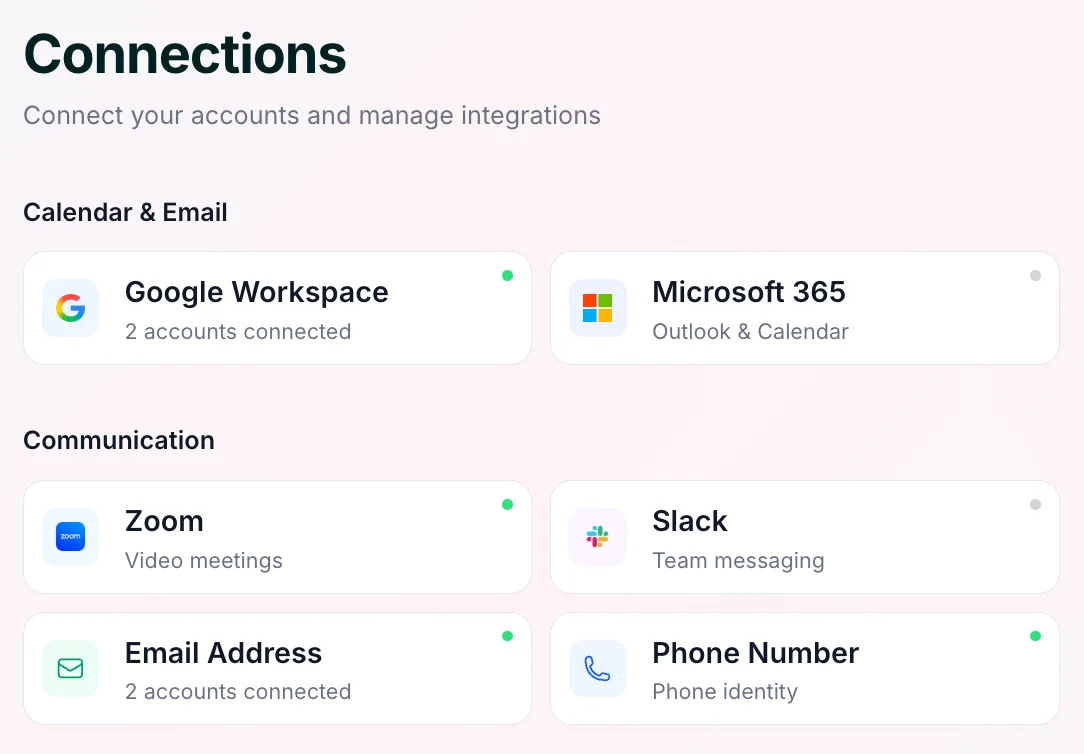
- Authenticate any Google or Microsoft email account, or manually add an email address by confirming a verification email using the Email Address button.
Add your emails now
Make sure to add any emails or aliases you use — and any that others might use to reach you — so Skej always knows it's you.