
How to Automatically Add Events to Your Calendar (Without Manual Entry)
If you're still receiving event details and manually typing them into your calendar, you're not alone.
A dinner plan sent over text.
A screenshot of your kid's sports schedule.
An email confirmation for a flight or event.
Most people still copy those details into their calendar one event at a time.
It's slow, error-prone, and completely unnecessary.
Today, AI calendar assistants can automatically add events to your calendar by reading the information from messages, emails, or even images.
Tools like Skej are designed to automate that process so you don't have to think about it.
The Problem With Manual Calendar Entry
Even with modern calendars like Google Calendar or Outlook, many events still require manual entry.
For example:
- text messages that mention a time and place
- emails containing event details
- screenshots of schedules or invitations
- travel confirmations or ticket receipts
In most cases, you still have to open your calendar and type everything in manually.
This creates a few common problems:
- forgetting to add events entirely
- entering the wrong date or time
- wasting time copying information across apps
For people with busy schedules, those small tasks add up quickly.
A Smarter Approach: Calendar Automation
AI calendar assistants can now read event details directly from the messages or files you receive.
Instead of manually entering the information, the assistant simply extracts the details and creates the calendar event automatically.
For example, tools like Skej allow you to forward event details from multiple sources, including:
- emails with event confirmations
- text messages mentioning meeting times
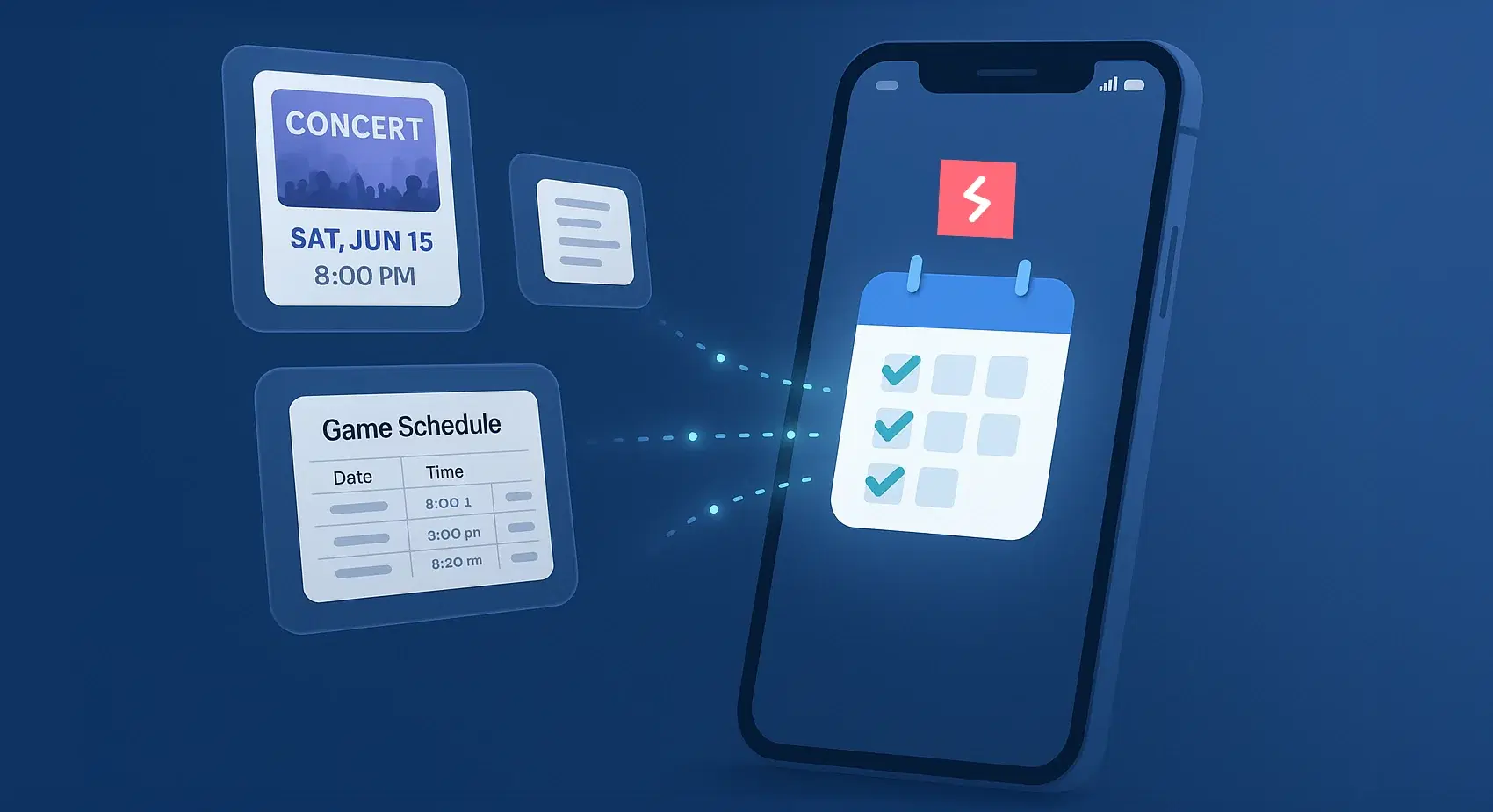
- screenshots or photos of schedules
- Slack or WhatsApp messages
Once Skej receives the information, it can recognize the event details and add them to your calendar instantly.
Turning Messages Into Calendar Events
One of the most useful features of calendar automation is the ability to turn everyday messages into scheduled events.
For example:
- A friend texts: “Dinner tomorrow at 7?”
- Someone sends a screenshot of a concert flyer
- A school sends a PDF schedule for the season
Instead of opening your calendar and entering the details manually, you can simply forward the information to Skej and let it handle the rest.
The assistant extracts the date, time, and location, then creates the calendar event automatically.
Handling Complex Schedules Automatically
Calendar automation can also help with more complicated schedules.
For example, if you receive a full sports schedule or event list, you may only want certain entries added to your calendar.
AI assistants like Skej can filter events based on context.
For instance, if a schedule includes multiple teams but you're only interested in one, you could simply say:
"Add only the Raptors games to my calendar."
Skej can recognize the relevant entries and ignore the rest.
This allows you to manage complex schedules without manually filtering them.
Even Screenshots Can Become Calendar Events
Many event details today arrive as images rather than text.
Concert flyers, conference graphics, or screenshots of schedules are common examples.
AI assistants can read those images and extract the relevant information.
For example, if someone sends a concert flyer in a group chat, you could forward the image to Skej and say:
"Add this to my calendar."
Skej identifies the date, time, and venue, then creates the calendar event automatically.
Why Calendar Automation Matters
Automated calendar entry may seem like a small improvement, but it can save a surprising amount of time.
Instead of constantly switching between apps to enter events manually, your calendar updates itself automatically.
For busy professionals, parents, or anyone juggling multiple schedules, this reduces mental overhead and prevents missed events.
Calendar automation also helps ensure that event details are captured accurately and consistently.
A Smarter Way to Manage Your Calendar
Manual calendar entry was necessary for years, but it’s quickly becoming outdated.
AI assistants like Skej now make it possible to automatically add events from messages, emails, screenshots, and other everyday sources.
Instead of managing your calendar manually, you can simply send the information to your assistant and let it take care of the rest.
👉 Try Skej for free and let your calendar update itself automatically.
Make scheduling easier with Skej
Skej handles the back-and-forth while you focus on what's important.
Start Scheduling for FreeFree trial · No credit card required