
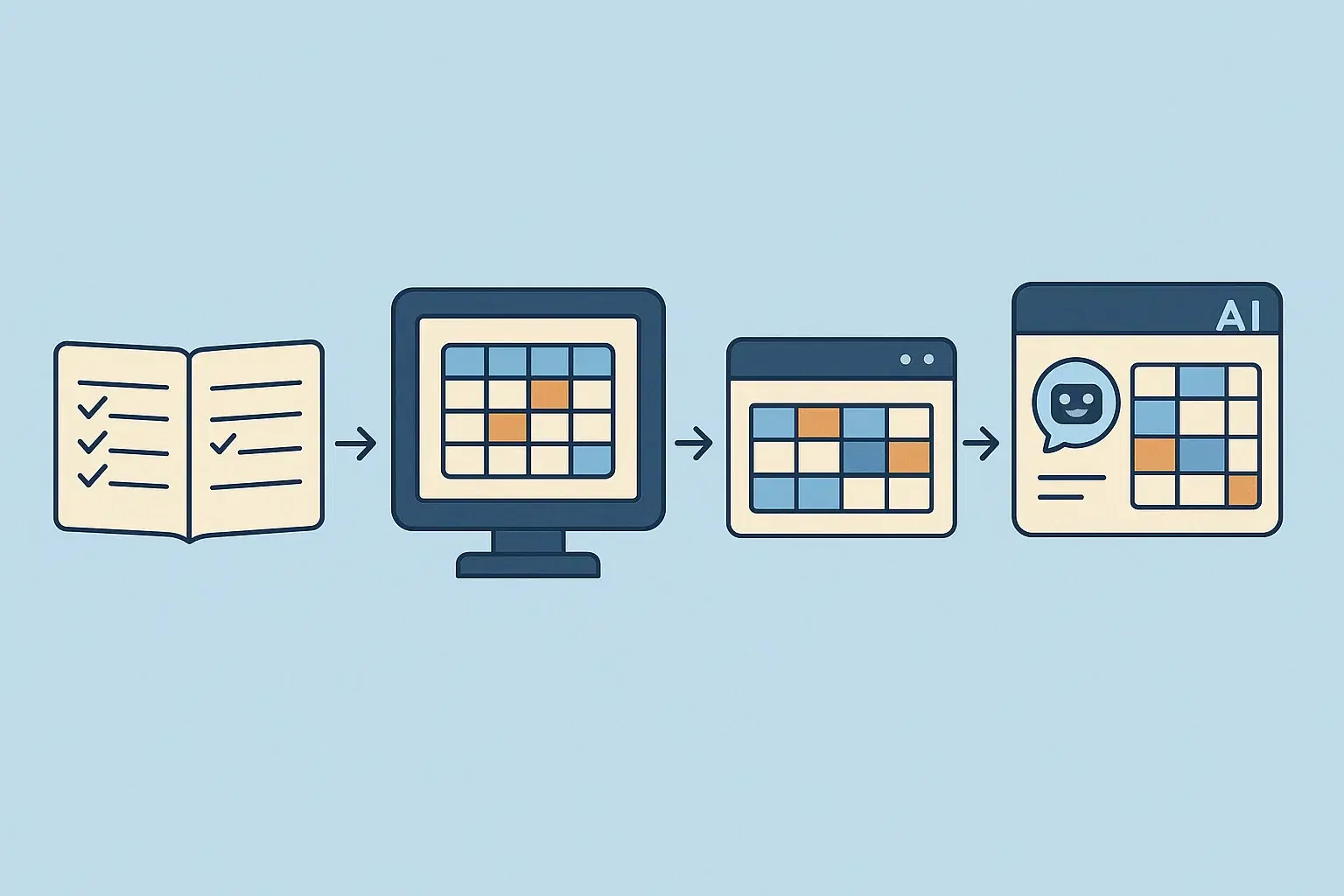
The Evolution of AI Scheduling Assistants: Manual Coordination to Automated Meetings
Scheduling meetings used to be simple.
You’d send a message asking for availability, get a few replies back, and pick a time.
But as companies grew, teams became distributed, and meetings multiplied, scheduling quickly turned into a logistical problem. A simple meeting could involve multiple calendars, time zones, and long email threads just to find a time that works.
Today, many teams rely on AI scheduling assistants to handle that coordination automatically.
Instead of manually proposing times and managing replies, these assistants schedule meetings the way a human assistant would — checking calendars, suggesting times, and confirming the meeting once everyone agrees.
To understand why these tools are becoming essential for modern teams, it helps to look at how scheduling tools have evolved.
The Early Days: Manual Scheduling
Before modern scheduling tools existed, meeting coordination was entirely manual.
Someone would send an email asking for availability, wait for responses, compare calendars, and then send a calendar invite once a time was agreed upon.
For small teams this worked well enough. But as organizations grew, scheduling became more complicated.
Common problems included:
- long email threads trying to find a time
- double bookings and calendar conflicts
- time zone confusion
- missed calendar invites
For teams scheduling dozens of meetings each week, this coordination could easily consume hours of time.
The First Wave of Scheduling Tools
Calendar software helped digitize the process.
Tools like Google Calendar and Microsoft Outlook made it easier to see availability and create calendar events. But they didn’t actually coordinate meetings.
You still had to:
- propose meeting times manually
- compare calendars yourself
- manage replies and confirmations
These tools were useful for tracking meetings, but they didn’t remove the scheduling work.
Booking Links Changed Scheduling
The next major shift came with booking link tools.
Platforms like Calendly allowed people to share a link showing their availability. Instead of asking for times, someone could simply choose a slot from the calendar.
This eliminated some of the back-and-forth and worked especially well for situations like:
- demo requests
- onboarding calls
- support appointments
Booking links made scheduling faster, but they still required someone to take action and pick a time.
In many professional situations — especially when coordinating with clients, executives, or multiple participants — scheduling still involved conversation and negotiation.
The Rise of AI Scheduling Assistants
AI scheduling assistants take a different approach.
Instead of asking someone to pick a time, the assistant handles the coordination itself.
It checks calendars, proposes times, adjusts when schedules change, and confirms the meeting automatically.
The experience is closer to working with a human assistant than using scheduling software.
For example, you might write:
“Let’s find time to talk next week.”
The assistant then:
- checks everyone’s availability
- proposes meeting times
- handles replies if someone can’t make a suggestion
- confirms the meeting once a time works
This removes the manual coordination that usually happens through email or messaging.
Why AI Scheduling Assistants Are Becoming Popular
Several changes in the workplace have made automated scheduling more valuable.
Distributed teams
Many companies now operate across multiple locations and time zones. Coordinating calendars manually is significantly harder in this environment.
Meeting-heavy roles
Sales, recruiting, customer success, and leadership roles often schedule dozens of meetings every week.
Even small improvements in scheduling efficiency can save hours of time.
More complex coordination
Meetings often involve multiple participants across different organizations. Automated coordination helps simplify these interactions.
For these reasons, many teams are moving beyond simple booking links and using assistants that manage scheduling automatically.
Where Skej Fits In
Skej is designed to schedule meetings the way a human assistant would.
Instead of relying on booking links alone, Skej joins the scheduling conversation and coordinates the meeting automatically.
It checks calendars, proposes times, adjusts when schedules change, and confirms meetings once everyone agrees.
Because it works directly inside tools people already use — including email, Slack, SMS, and WhatsApp — scheduling can happen naturally within existing conversations.
The goal is simple: remove the manual work involved in coordinating meetings.
The Future of Scheduling
Scheduling tools will likely continue evolving toward more automation.
Instead of manually managing calendars, teams are increasingly relying on assistants that handle scheduling in the background.
For organizations that run on meetings, this shift can reclaim significant time each week and reduce the friction that often comes with coordinating calendars.
Final Thoughts
Scheduling meetings may seem like a small task, but it adds up quickly — especially for teams that coordinate across departments, companies, and time zones.
AI scheduling assistants help remove that burden by automating the coordination process.
Instead of juggling calendars and email threads, teams can rely on assistants that check availability, propose times, and confirm meetings automatically.
For many organizations, that means fewer scheduling headaches — and more time spent on the conversations that actually matter.
Make scheduling easier with Skej
Skej handles the back-and-forth while you focus on what's important.
Start Scheduling for FreeFree trial · No credit card required